
DQ Pro vs DQ Core. Which one do I have?
A quick way to tell which product your venue runs, before you start reading.
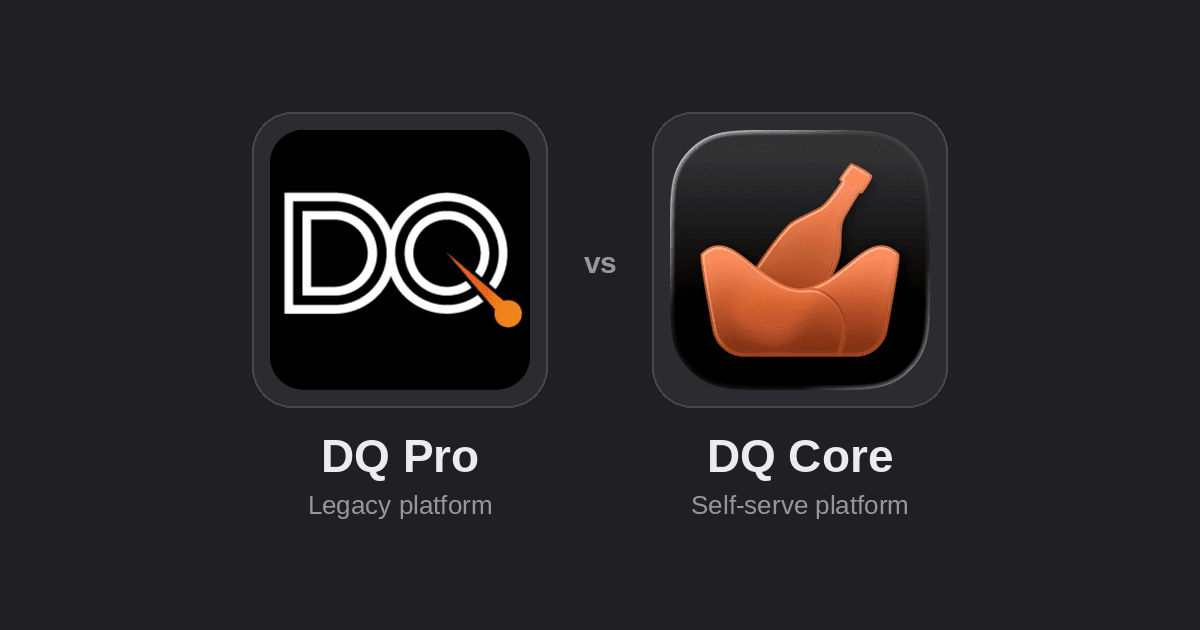
DQ Pro vs DQ Core — Which One Do I Have?
DQ currently runs two products side by side: DQ Pro, our original platform for larger and established venues, and DQ Core, a newer, self-serve product built for small teams, boutique venues, and events. They look similar but are separate apps with separate documentation — following the wrong guide will send you looking for buttons that aren't there.
If you're not sure which one your venue uses, check any of the following.
1. Check the app on your phone
Look at the app icon and name on your home screen.
If your app is called... | You're on |
|---|---|
DQ Pro | DQ Pro |
DQ Core | DQ Core |
They're two separate downloads — if you only have one of them installed, that's your answer.
2. Check how you logged in
How you signed in | You're on |
|---|---|
You received a text message (SMS) with a temporary password, and log in with your phone number | DQ Pro |
You signed in (or signed up) with your email address and a password | DQ Core |
DQ Pro accounts are always set up by a venue administrator or the DQ team and delivered by SMS. DQ Core accounts can be self-serve — anyone can create an account and either join a venue they've been invited to, or start a new one.
3. Check whether you have desktop access
DQ Pro offers a desktop site for Venue Admins and Managers, alongside the mobile app. DQ Core is app-only for staff (it also runs a public website for guest bookings, but that's for your guests, not your team).
If you regularly log in to a desktop site to manage your venue, you're most likely on DQ Pro.
4. Ask what your venue signed up for
If none of the above helps, the fastest route is to ask your manager or venue owner which product they set the venue up on — most venues run one or the other, not both, though some may be trialling DQ Core alongside an existing DQ Pro account during a transition.
Once You Know
DQ Pro — start with DQ Pro: Accessing your account and the Introduction.
DQ Core — start with Introduction to DQ Core and Setting up your venue.
Both products are actively supported, and it's normal for a venue to be on either one — this page exists purely to point you at the right set of instructions, not to suggest one product is being phased out.
Was this helpful?