
Introduction
Welcome to the DQ Pro help documentation.
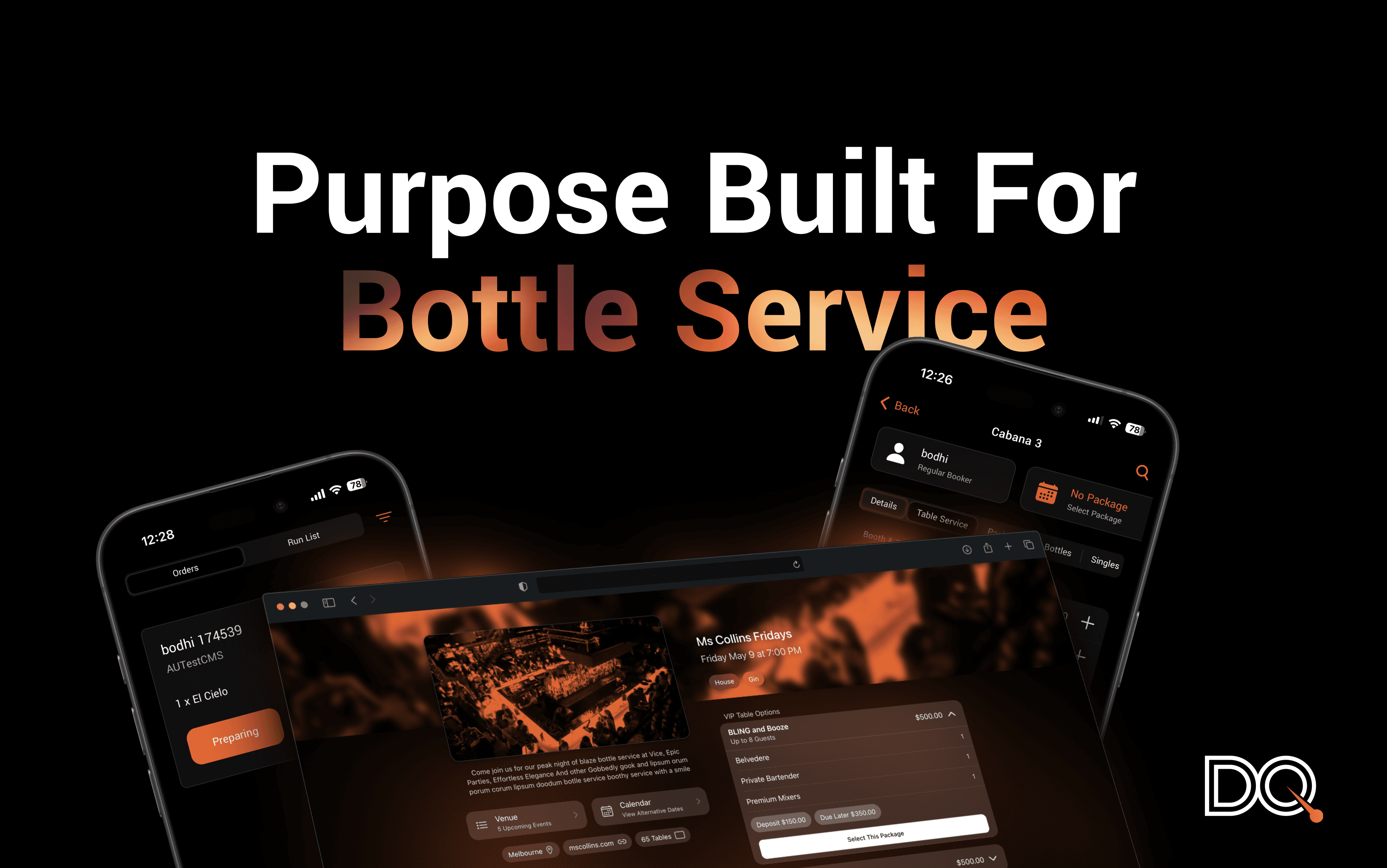
Welcome to DQ: the only purpose-built operational platform for bottle service venues and teams.
Table of Contents
1. DQ Playbook — our proven operational model for running a VIP team.
2. DQ Pro — our original platform for larger and established venues.
Basics — logging in and getting started.
Bookings — events, bookings, guests, and public-facing booking pages.
Roles & Process — how Waiters, Runners, and Managers work together.
Menus & Modifiers — items, modifiers, and booking package templates.
General — venue settings, integrations, tags & data, table management, permissions, and user management.
Floor Flow — night setup, door & arrivals, walk-ins, ordering, and closing.
Dispense & Order Management — running the bump screen, payments, and the run-list.
3. DQ Core — our newer, self-serve platform for venues and events.
Basics — introduction and setting up your venue.
Bookings — events, bookings, and guest lists.
Floor & Tables — setting up your floor and running tabs.
Orders — building orders and running the kitchen/bar board.
Payments — manual, tap-to-pay, QR, and refunds.
Guests & Tags — your guest CRM and tagging.
Notifications — staff call buttons and push history.
Reports — operations, stock, and transaction reports.
Roles & Permissions — the seven staff roles and what each can do.
Flows — night set-up, door & arrivals, serving, and dispense.
Not sure which product you're on? See DQ Pro vs DQ Core — which one do I have?
Was this helpful?