
Guest Lists
Guest-lists allow you to manage your non-table guests. This section covers the creation and management of lists and tickets.
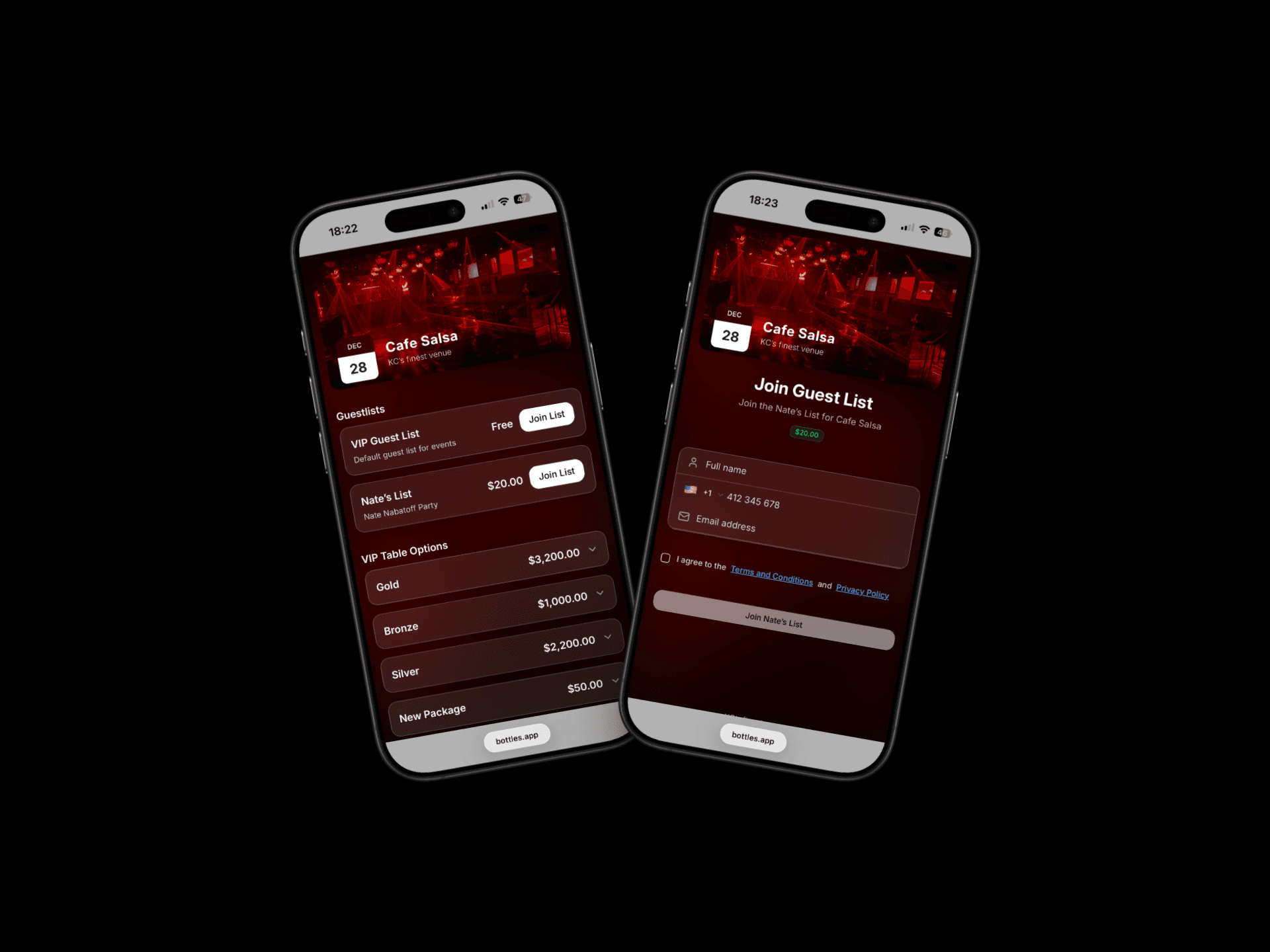
Creating Guest Lists
Go to the Profile icon at the top left of the tables tab.
Tap ”Guest Lists” and select "+"
Give the list a name, description and price (if not 0).
Using Guest Lists in Events
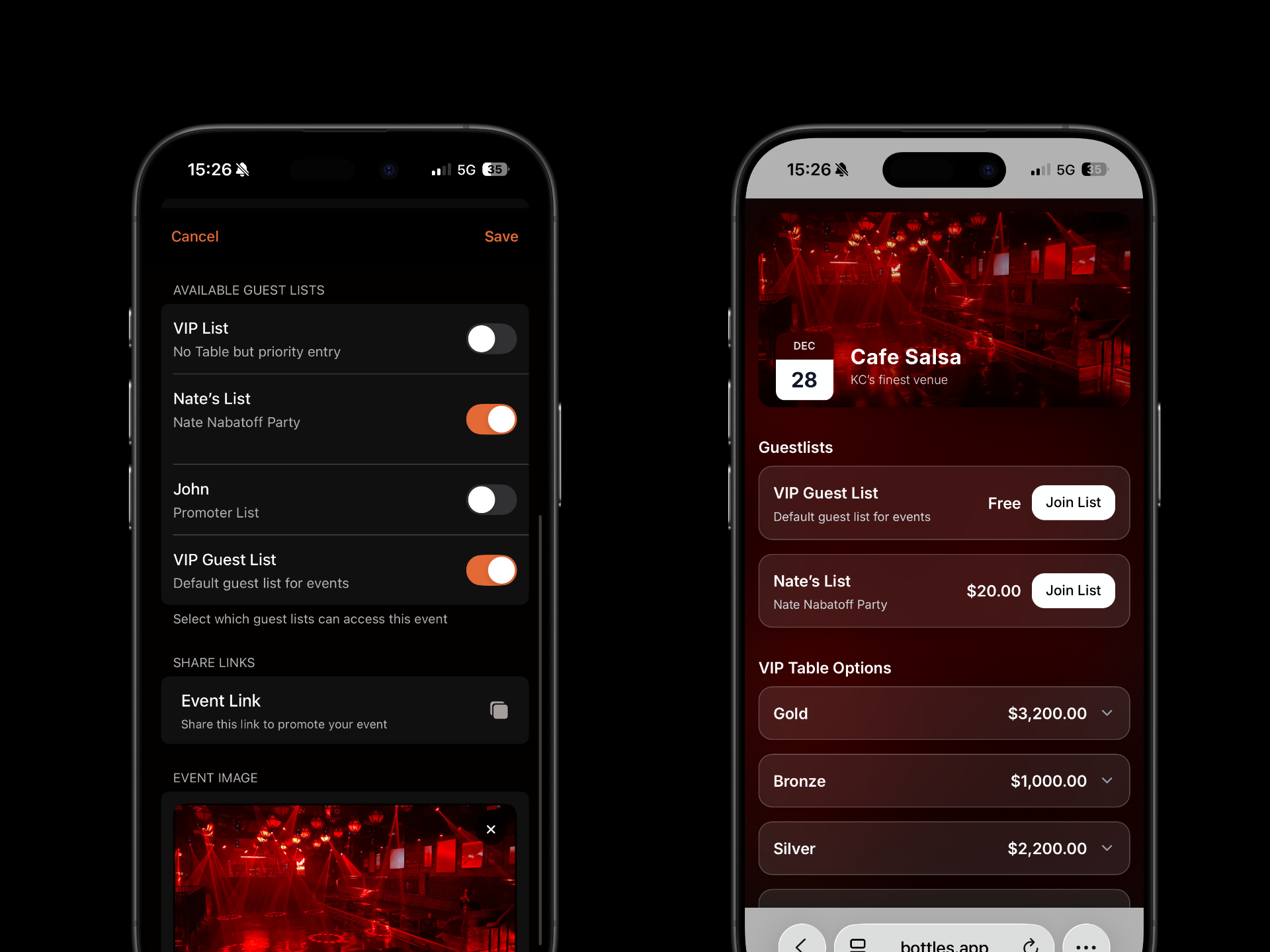
When you create a new event, you can choose which guest lists to make available. Available lists can be selected on the public booking page.
Adding Guests to Guest Lists
There are a few ways to add guests to a list.
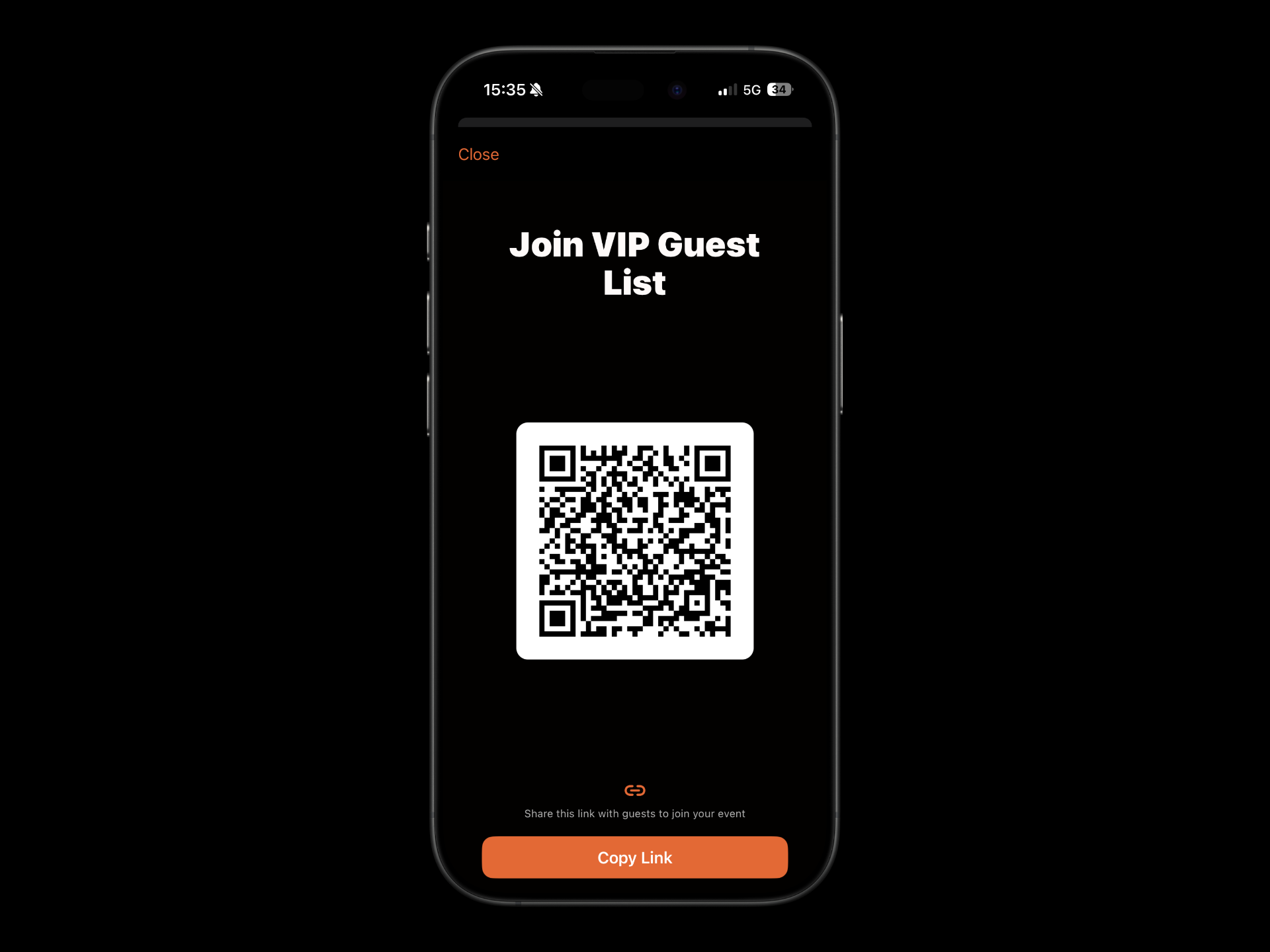
In Person using QR code.
Navigate to the bookings tab and select the guest list.
Tap the QR code symbol at the top right of the page and ask each guest to scan it with their device — it’s quick and simple.
By sharing the List URL.
Navigate to the bookings tab and select the guest list.
Tap the QR code symbol at the top right of the page.
Select "Copy Link". The URL will be copied to the device clipboard and can be shared by pasting it into an SMS, email or even social media field.
Via your public bookings page. Simply let guests choose the list they wish to join.
Was this helpful?